
01Answer signal
Answer signal
One operating layer for current tools
The system connects work already happening in email, files, CRM, spreadsheets, dashboards, calls, and internal tools instead of forcing a new platform migration.
Readiness path
AI Operating System
SilverShore connects dashboards, agents, workflow automation, reporting, and business memory around the stack already carrying the work.
No forced platform migration. No replacement pitch. Current people, tools, and decisions stay in control.

Short answer
Use this page when repeated work, reports, dashboards, handoffs, and AI tools need one operating layer around the current stack.
An AI operating system connects dashboards, contextual agents, workflow automation, reporting, operating memory, and human approval gates around the tools a service business already uses.
Answer signal
The system connects work already happening in email, files, CRM, spreadsheets, dashboards, calls, and internal tools instead of forcing a new platform migration.
Answer signal
Customer notes, process rules, source files, decisions, and prior work are easier to find before the next follow-up, report, or handoff starts.
Answer signal
Approval gates, owners, source context, and escalation paths stay visible where judgment, client communication, finance, or strategy matters.
Answer signal
The same context layer can support brand work, market intelligence, revenue generation, sale preparation, investor services, and portfolio support.
What gets installed
Each piece is built around real work the team already performs. The system starts small enough to trust, then expands where the next workflow is clear.
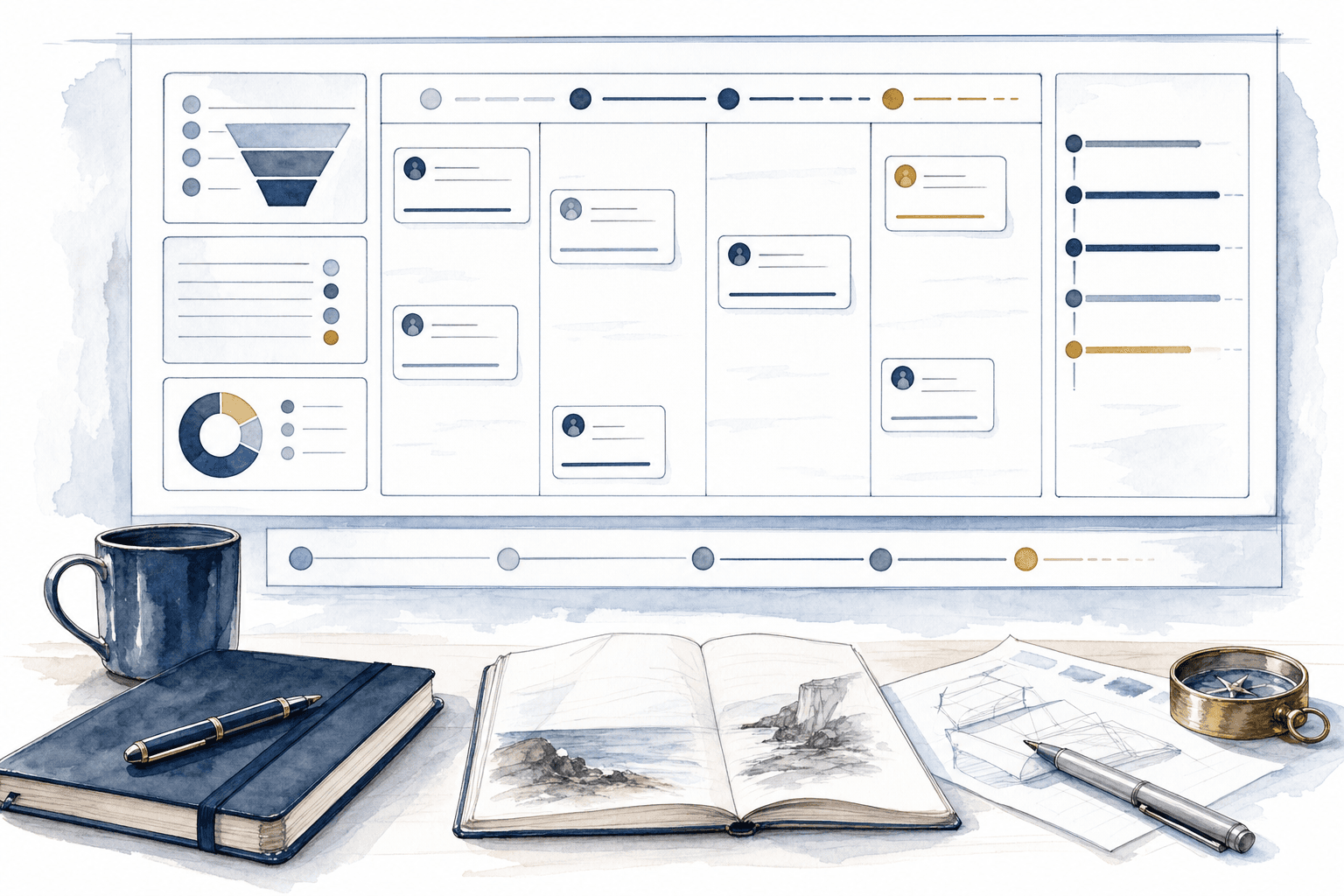
Visibility layer
Pipeline, tasks, follow-up, handoffs, and decisions become easier to see in one operating view. The dashboard gives the team a shared place to start each week and a cleaner way to know what needs attention.
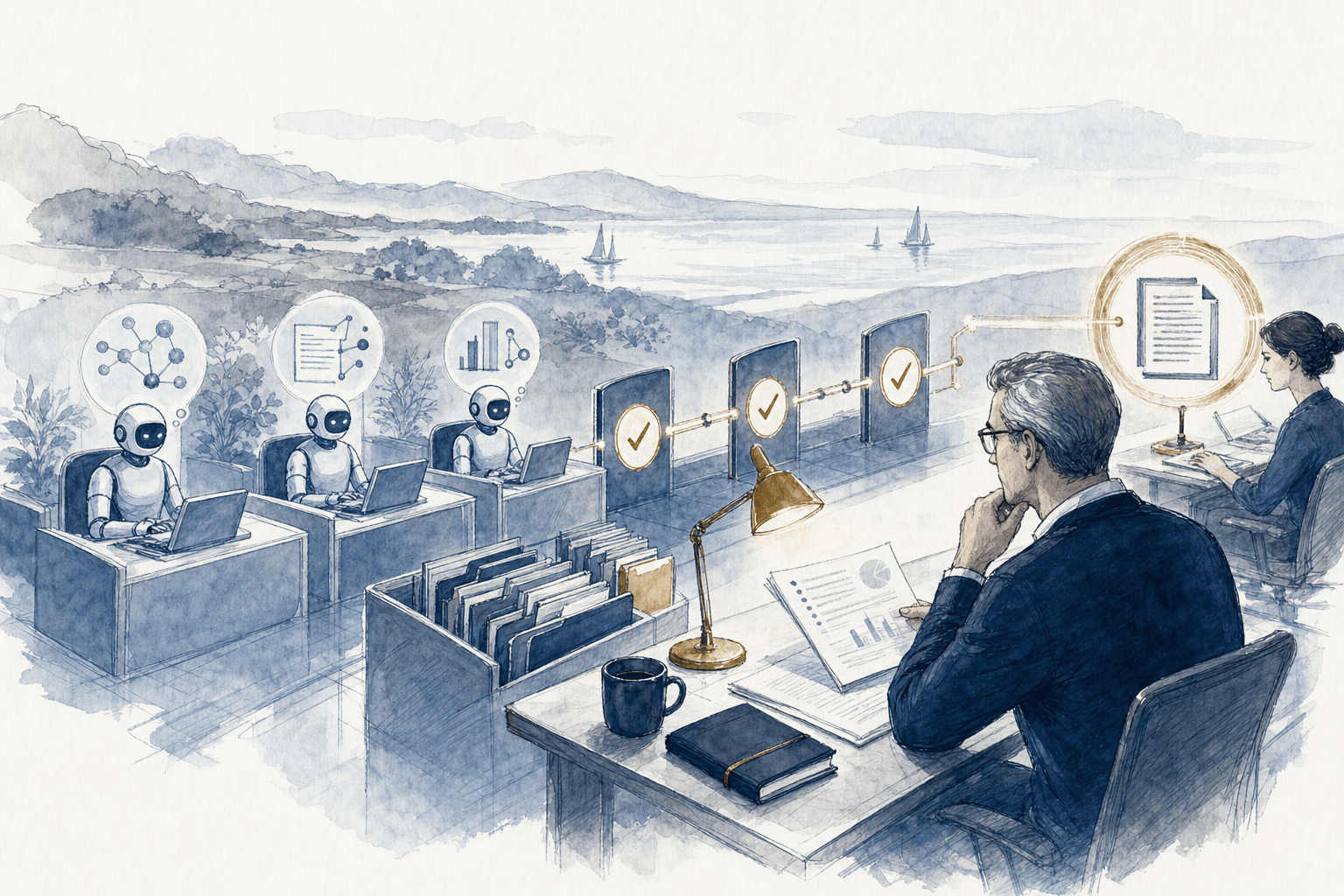
Execution layer
Agents are built around company documents, rules, customers, workflows, and approval gates. They draft, summarize, route, and answer from business context instead of starting from a generic prompt.
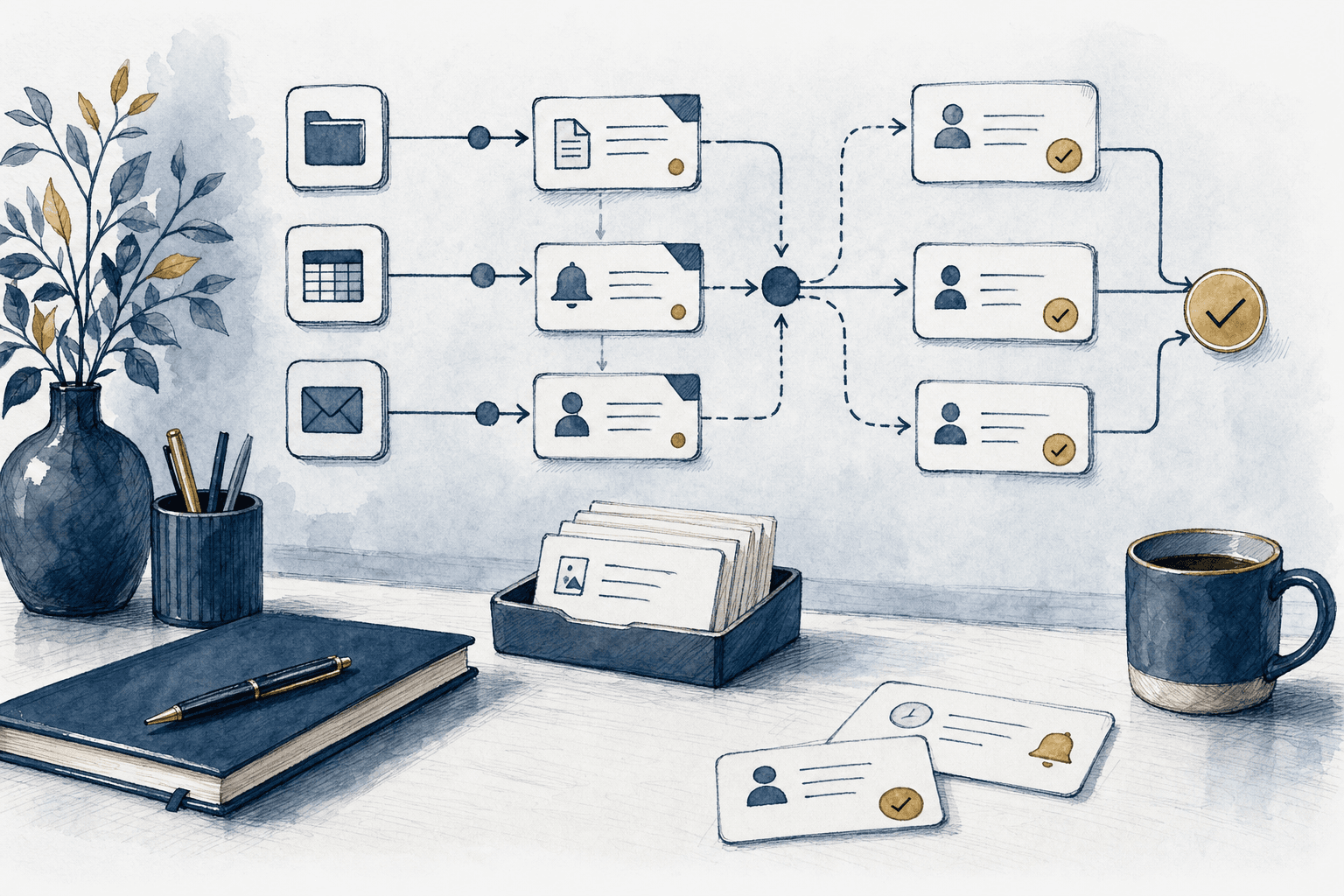
Routing layer
Tasks, reminders, notes, handoffs, and follow-up move across the tools the team already uses. Automation is added where the route is clear and review stays visible.
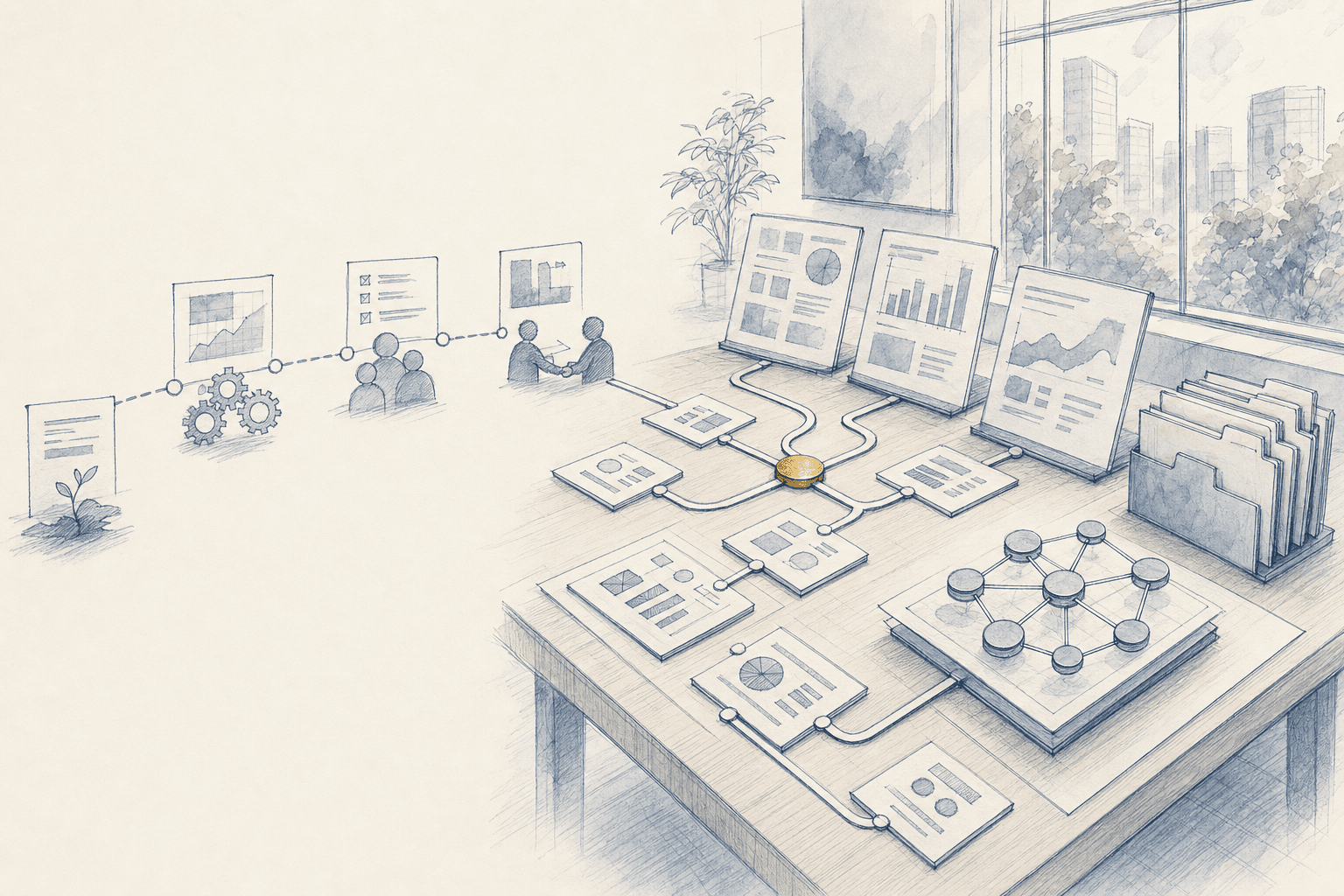
Memory layer
Decisions, call notes, files, recurring rules, and customer context become easier to find and reuse. The system helps the team stop rebuilding the same answer from scratch.
Reporting layer
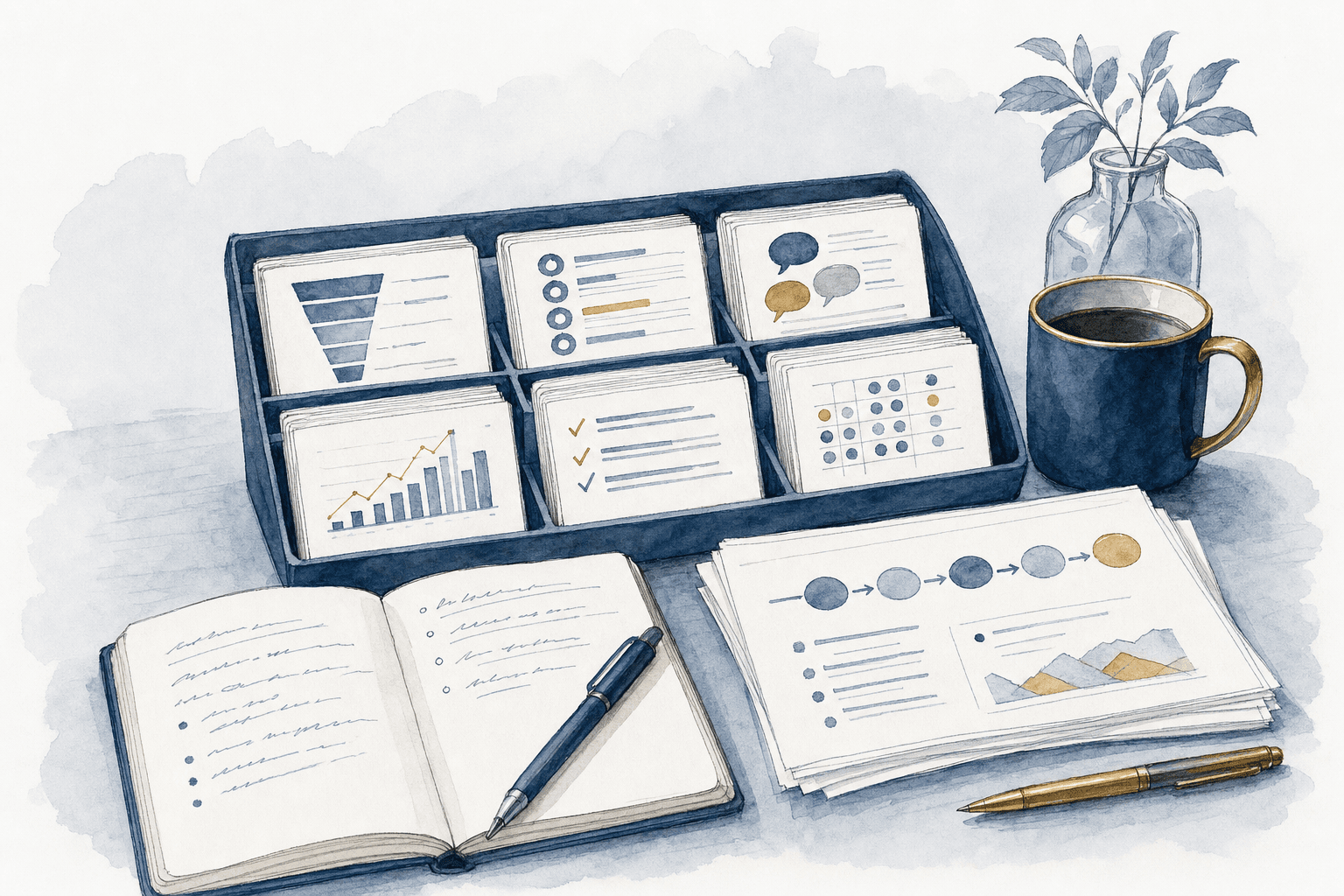
Weekly summaries, lead reports, client notes, management updates, and next-step memos are drafted from live context. The team spends less time rebuilding updates and more time deciding what to do next.

Control layer
Important decisions keep a human review point, source context, and a clear owner. The system supports judgment instead of hiding it behind automation.
Connected stack
The operating layer can connect sales, email, meetings, documents, finance, reporting, research, automation, and internal workflow tools without asking the team to abandon the stack.
 HubSpot
 Slack
Slack OpenAI
 Claude
 Google Drive
 Gemini
 Gmail
Gmail Google Calendar
 Zoom
Zoom Read AI
 Fireflies
 Otter AI
 Outlook
 Microsoft 365
 SharePoint
 Apollo
 Stripe
 QuickBooks
 Notion
 Zapier
 Make
Make n8n
n8n Vercel
 Google Sheets
 Google Docs
 Shopify
 Google Chrome
 Finder
 BizBuySell
 Flippa
 Redfin
 Salesforce
Where it applies
Brand proof, market intelligence, revenue systems, automation, readiness, and investor work all get stronger when context stays attached to the next action.

Brand development
Web pages, sales materials, positioning notes, and proof assets stay tied to current business context. The team can carry one clearer story into calls, follow-ups, and future buyer conversations.

Market intelligence
Market maps, competitor reads, customer segments, and channel tests can feed directly into the next growth move. The operating layer keeps the evidence close to the decision.

Revenue generation
Lists, outreach, follow-up, CRM movement, and reporting run from one shared rhythm. Each conversation carries the right context forward instead of disappearing into another tab.
AI and automation
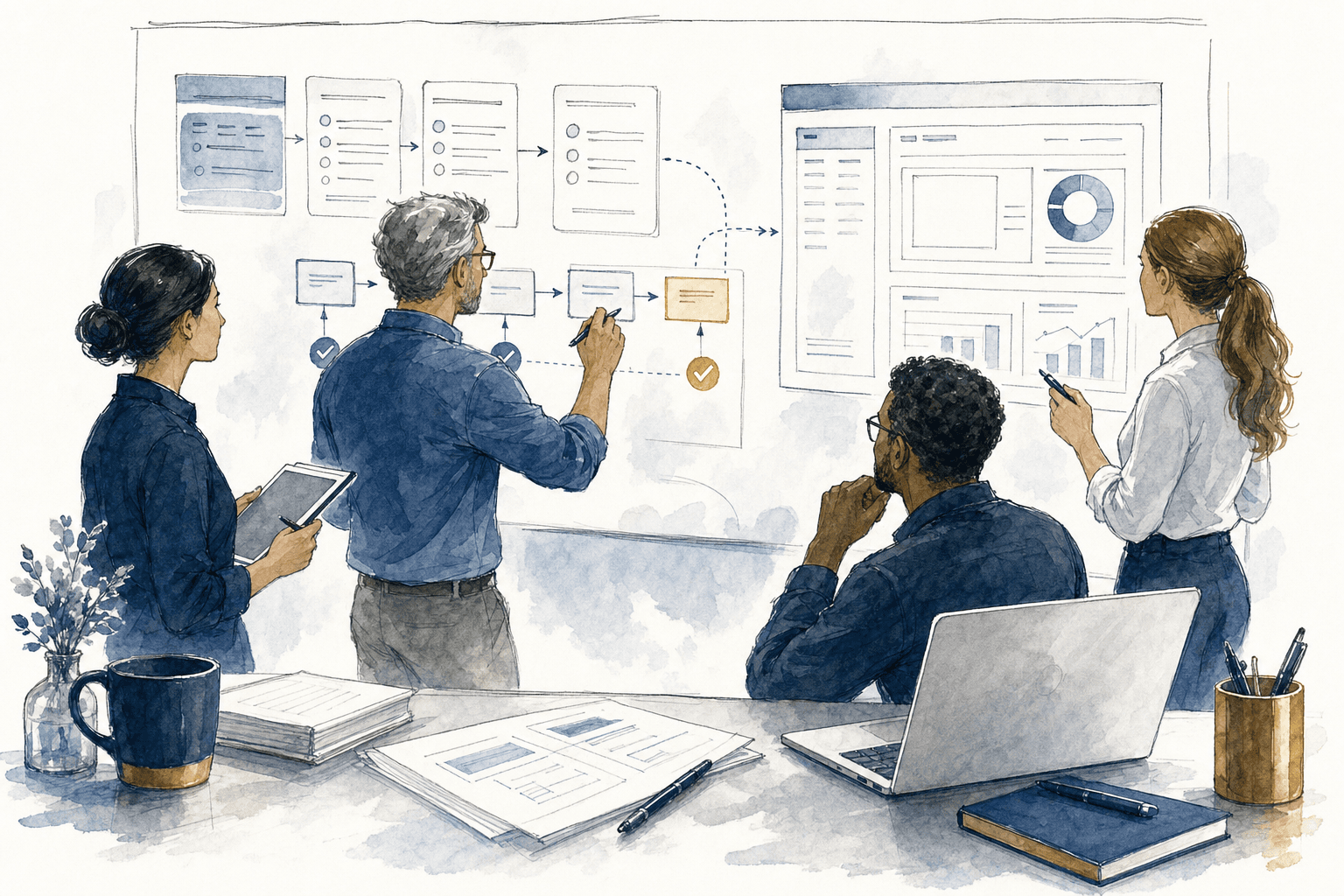
Dashboards, internal tools, agents, and workflows are built around the current stack and real approval rules. The goal is more capacity without changing the way people prefer to work.

Succession planning
Materials, data-room files, buyer context, and process notes stay easier to access before timing matters. Readiness work becomes a usable operating asset, not a rushed project.

Investor services
Sourcing, diligence, thesis work, and portfolio support can carry context from the first signal to the next action. The system helps investor work stay organized across deals and operators.
Operating rhythm
The build path stays practical: name the workflow, install the useful layer, document ownership, and keep improving from real use.
Process
Name the workflows, tools, handoffs, reports, approval points, and context the team uses most often.
Process
Create the dashboard, agent, workflow, report, or operating memory layer around the highest-value path first.
Process
Install the layer with the team, document the rules, and keep ownership visible before expanding the system.
Process
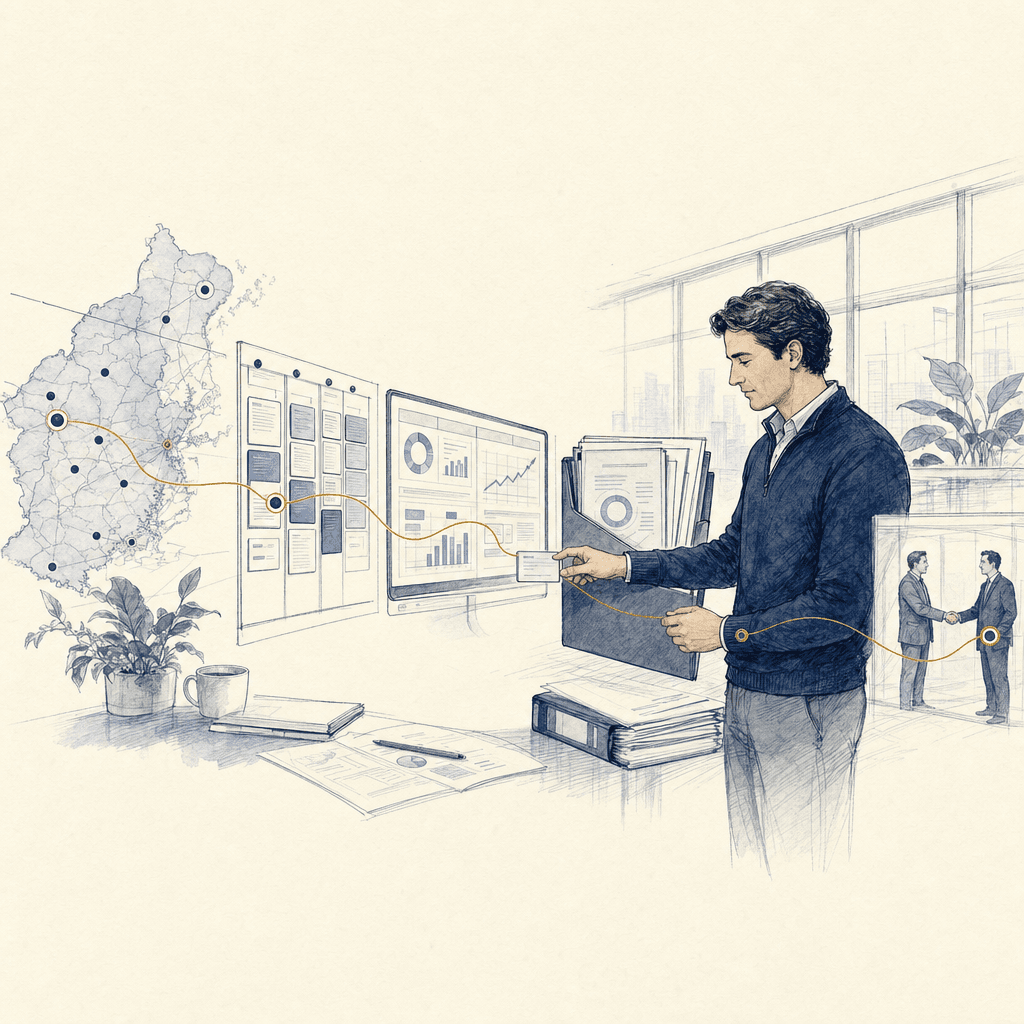
Use real operator feedback to tighten prompts, dashboards, automations, reports, and management cadence.
Capabilities in motion
The capabilities are practical and bounded: retrieve context, draft with source material, route the next step, update the board, and keep judgment in the loop.
Drive, CRM, notes, transcripts
The system brings the right files, notes, and business rules forward before the team has to search.
OpenAI, Claude, source files
Drafts use the company's real materials and approval rules before reaching a person for review.
Sheets, CRM, dashboards
Reports and dashboards update from current context so the operating picture is easier to read.
Slack, email, dashboards
The few items that need attention move to the channel the team actually reads.
Gmail, Outlook
Inbound messages can be classified, routed, summarized, and drafted for review.
Zapier, Make, APIs
Tasks, reminders, notes, and follow-up move through the stack with review points where judgment matters.
Questions this page answers
These are the practical questions buyers usually need answered before the operating-system conversation becomes a build scope.
Question
An AI operating system is a connected layer of dashboards, contextual agents, workflow automation, reporting, operating memory, and approval gates built around the tools and workflows the business already uses.
Question
A standalone automation usually improves one task. An AI operating system connects repeated tasks, source context, reporting, team ownership, and review gates so improvements compound across the business.
Question
No. The operating layer is designed around the current stack first, then adds dashboards, agents, internal tools, and automations where the workflow is clear.
Question
Start with the repeated workflow that creates the most manual drag, such as follow-up, reporting, intake, approvals, status routing, or recurring management updates.
System map
Start with the workflows costing the most time, the tools creating the most confusion, and the decisions the team needs to see sooner.